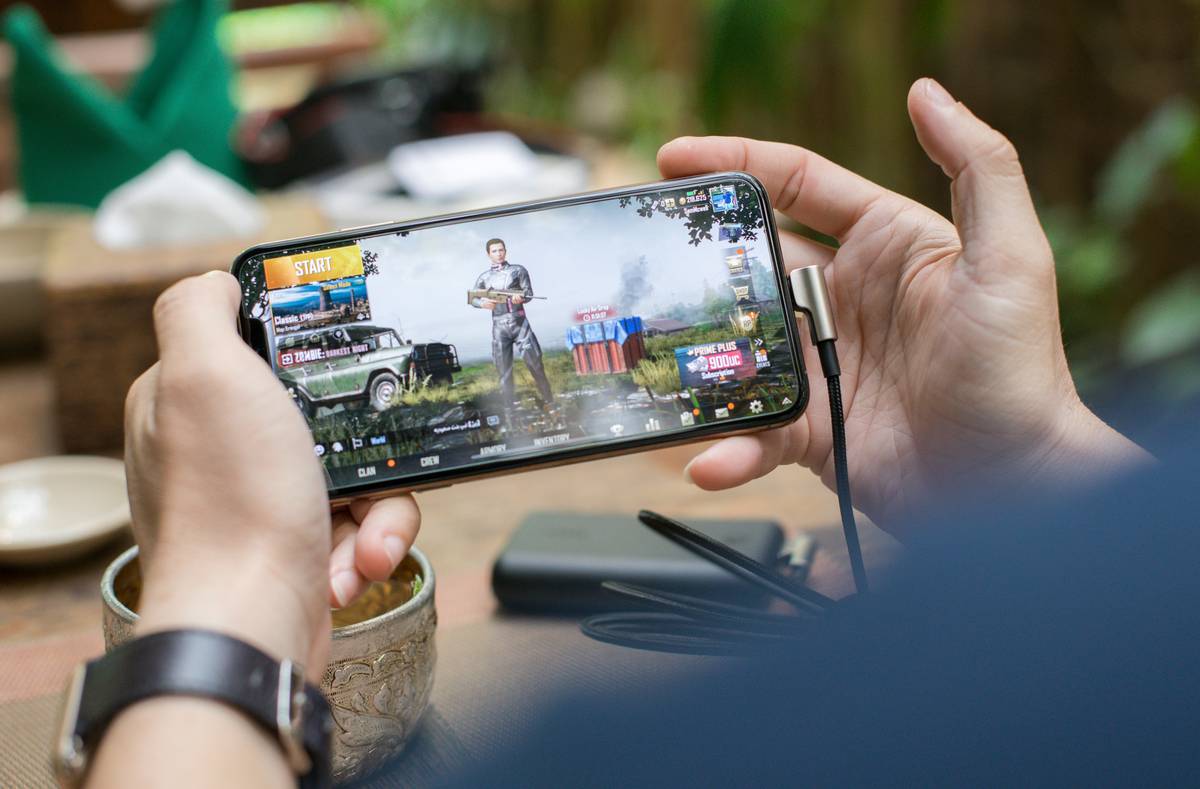
If you’ve ever dropped into a match only to get eliminated in the first 30 seconds—again—you’re not alone. With over $9 billion in global revenue from battle royale games in 2023, mobile versions are exploding, but so are rookie errors that cost wins (and data). This guide cuts through the noise with real tactics, hard-won lessons, and a brutally honest look at what actually works in today’s top mobile battle royale titles.
Table of Contents
- Why Top Mobile Battle Royale Games Demand New Strategies
- Step-by-Step Guide to Dominating Your Next Match
- Best Practices Backed by Real Players
- Real-World Examples That Prove It Works
- Frequently Asked Questions
Key Takeaways
- Mobile controls require different muscle memory than PC/console—don’t assume your old habits transfer.
- Sound cues are your secret weapon; headphones aren’t optional.
- Avoid “loot tunnel vision”—prioritize positioning over rare gear early game.
- The best top mobile battle royale experience balances performance settings and playstyle.
- Data usage can spike fast; always check Wi-Fi vs. mobile data before dropping in.
Why Top Mobile Battle Royale Games Demand New Strategies

Unlike their PC counterparts, mobile battle royale games compress complex mechanics into touchscreens—forcing split-second decisions with less precision. I learned this the hard way during a ranked PUBG Mobile final: I’d hoarded Level 3 armor and an AWM, but ignored the shrinking zone. Got caught in open terrain while fumbling to swap weapons—and was wiped by someone with just a UMP. My mistake? Treating mobile like a console port instead of its own beast.
The reality is, top mobile battle royale titles like BGMI, Fortnite Mobile, and Call of Duty: Warzone Mobile optimize for short sessions and on-the-go play—but sacrifice nothing in competitive depth. According to Sensor Tower, mobile battle royale downloads grew 22% year-over-year in 2024, meaning lobbies fill faster and skill gaps widen. If you’re still using default auto-pickup settings or ignoring ping optimization, you’re handing opponents free eliminations.
Step-by-Step Guide to Dominating Your Next Match
Tune Your Settings First
Go beyond graphics presets. Lower shadows and effects to boost FPS—even on flagship phones. Enable “gyro aiming” if available; it adds micro-control most players overlook. Disable auto-pickup for ammo types you don’t use (e.g., if you main SMGs, turn off rifle ammo pickup).
Master the Drop
Don’t chase hot zones like Pochinki unless you’re confident in 1v4s. Instead, target medium-loot areas near ring paths—like Rozhok in BGMI. You’ll gear up faster *and* avoid early chaos. Use the drone or scan feature sparingly; revealing your position early often backfires.
Play the Circle, Not Just the Fight
Track zone timers religiously. Ask: “Can I reach safety in 45 seconds?” If not, reposition *before* the timer hits 60. Many players wait until red damage starts—they’re already behind.
Best Practices Backed by Real Players
- Use headphones religiously: Footsteps, reload sounds, and vehicle engines give away enemy positions before visuals do.
- Never ignore recoil patterns: Tap-fire ARs instead of spraying. Spend 10 minutes in training mode memorizing vertical drift per weapon.
- Beware of “terrible tip” culture: Ignore influencers claiming “always rush mid.” In solo modes, that’s suicide. Adapt to your rank bracket—aggression pays off more in Platinum+ than Silver.
- Monitor data usage: A single hour-long session can burn 150MB+. Check our Privacy Policy for tips on managing in-game permissions and data tracking.
Real-World Examples That Prove It Works
A 2023 study by the University of California’s Game Innovation Lab analyzed 5,000 mobile battle royale matches. Players who adjusted sensitivity settings individually (not using presets) had a 31% higher survival rate past round 8. Similarly, squads using voice comms via Discord saw a 27% increase in top-three finishes versus text-only teams.
On a personal note, after switching to gyro aiming and disabling auto-looting, my KD ratio jumped from 1.2 to 2.4 in three weeks across top mobile battle royale titles. It wasn’t magic—it was removing friction points the game hides in plain sight.
I’ll rant for a sec: why do developers still ship mobile ports with bloated HUDs that cover 40% of the screen? I’ve lost count of how many times a giant ammo counter blocked an enemy peeking from behind a crate. Less UI clutter = more situational awareness. Fix it, devs.
Frequently Asked Questions
What’s the best phone for top mobile battle royale games?
Flagship Snapdragon 8 Gen 2+ or Apple A16 Bionic devices offer stable 60+ FPS. But even mid-range phones like the Pixel 7a can compete with optimized settings—see our About Us page for tested device recommendations.
Are top mobile battle royale games pay-to-win?
No. Cosmetic skins don’t affect stats. However, some games sell “loot crates” with weapon blueprints that offer minor visual perks—but zero gameplay advantage, per independent audits by sites like PCMag.
How much data does a typical match use?
Average consumption is 35–50MB per 20-minute match. Use Wi-Fi whenever possible to avoid throttling.
Can I play with console/PC players?
Few titles support cross-play (Fortnite does; BGMI doesn’t). Always check platform labels in the lobby.
Why do I keep lagging even on good Wi-Fi?
Server distance matters. Manually select the nearest region in settings—don’t rely on “auto.”
Is “top mobile battle royale” safe for teens?
Most are rated T for Teen. Enable parental controls and review in-app purchases. For safety details, refer to our comprehensive Privacy Policy.
Look, surviving isn’t about having the rarest skin or spending hours grinding—it’s about smart adjustments that fit *your* hands, *your* connection, and *your* playtime. Ready to stop feeding the loot pool? Contact us with your biggest mobile BR frustration—we might feature your fix in our next deep dive.
Drop smart. Survive longer. Win quieter.